DND stands for “Do Not Disturb.” On WhatsApp, it means someone has turned off alerts so calls, texts, and messages stay quiet for a while.
Here’s the twist: WhatsApp doesn’t have its own DND button. The DND meaning in WhatsApp actually comes from your phone’s own Do Not Disturb setting, not from the app itself. This guide breaks down exactly how that works, what really happens to your messages, and how it compares to WhatsApp’s built-in Mute feature.
Table of Contents
What Does DND Mean in WhatsApp?
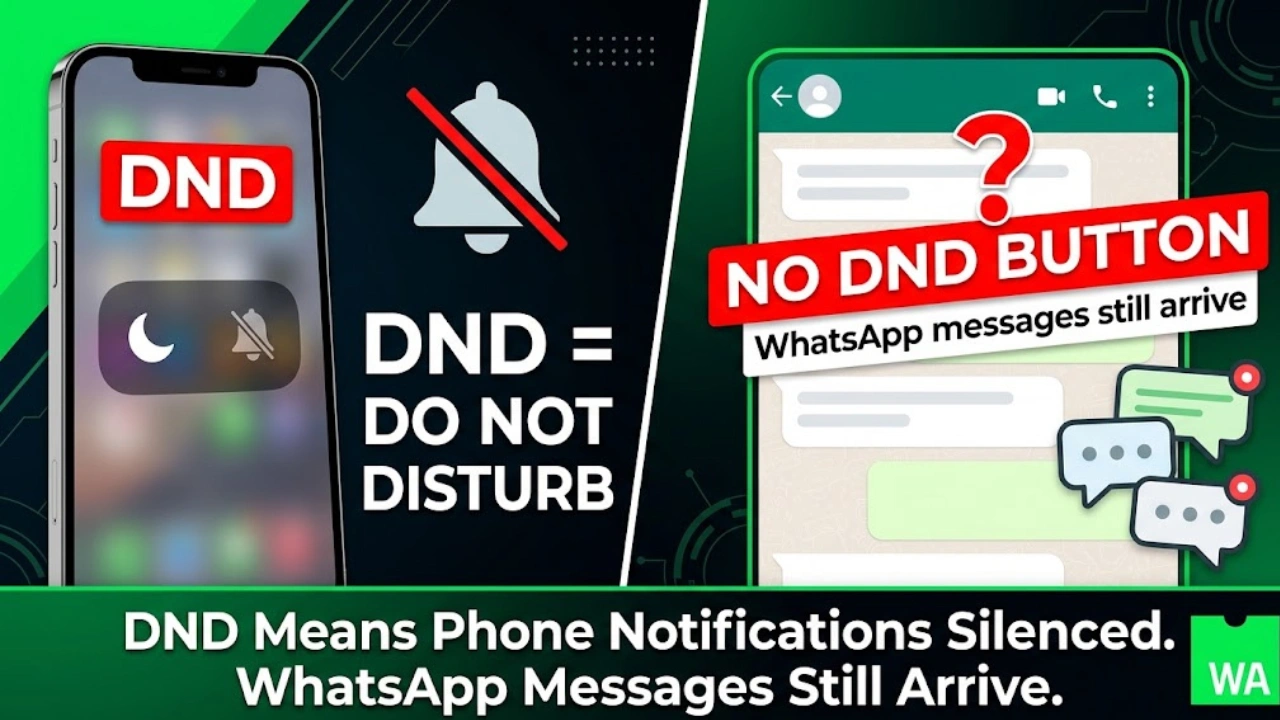
Short answer first: DND on WhatsApp means your phone’s Do Not Disturb mode is silencing WhatsApp alerts, not that WhatsApp has a dedicated “DND” feature.
A lot of people search “what does DND mean in WhatsApp” expecting an in-app toggle. It doesn’t exist. WhatsApp relies on your phone’s operating system — iOS or Android — to control which notifications get through. When your phone is in Do Not Disturb, WhatsApp banners, sounds, and vibrations get blocked along with every other app.
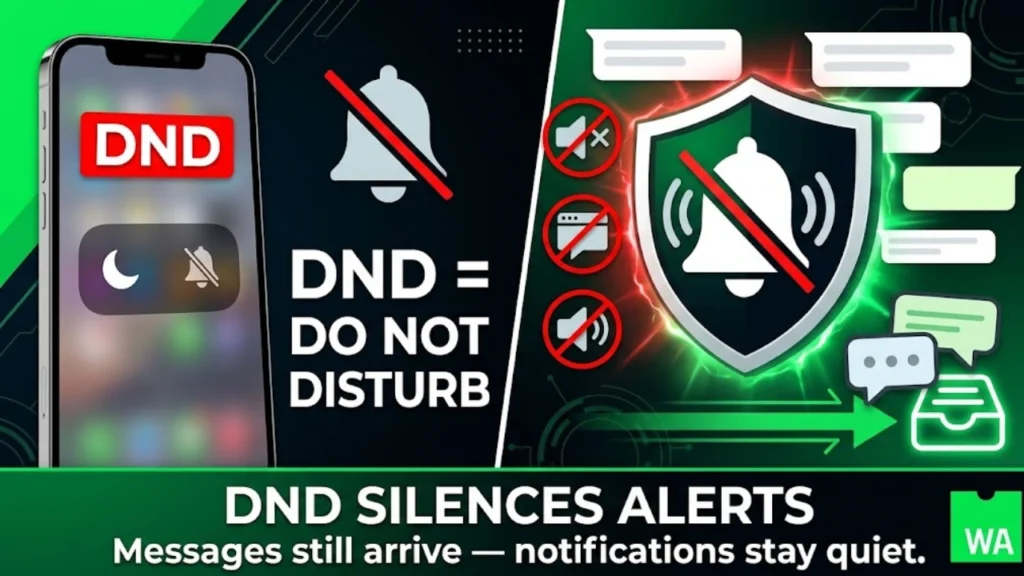
Messages still arrive. They just sit quietly in your inbox until you check the app yourself. Nothing gets deleted, delayed at the server level, or bounced back. Your last seen and online status also keep updating normally — DND affects alerts, not visibility.
How DND Mode Affects WhatsApp Notifications
DND doesn’t touch WhatsApp’s servers at all. It works purely at the device level, blocking the notification before it ever reaches your screen or speaker.
Here’s what changes when DND is on:
Banners and pop-ups stop appearing on your lock screen.
Sounds and vibrations go silent for incoming chats.
Badge counts (the little red number) still update in the background.
Calls get silenced too, unless you’ve added someone to your exceptions list.
Turning On DND for WhatsApp on iPhone
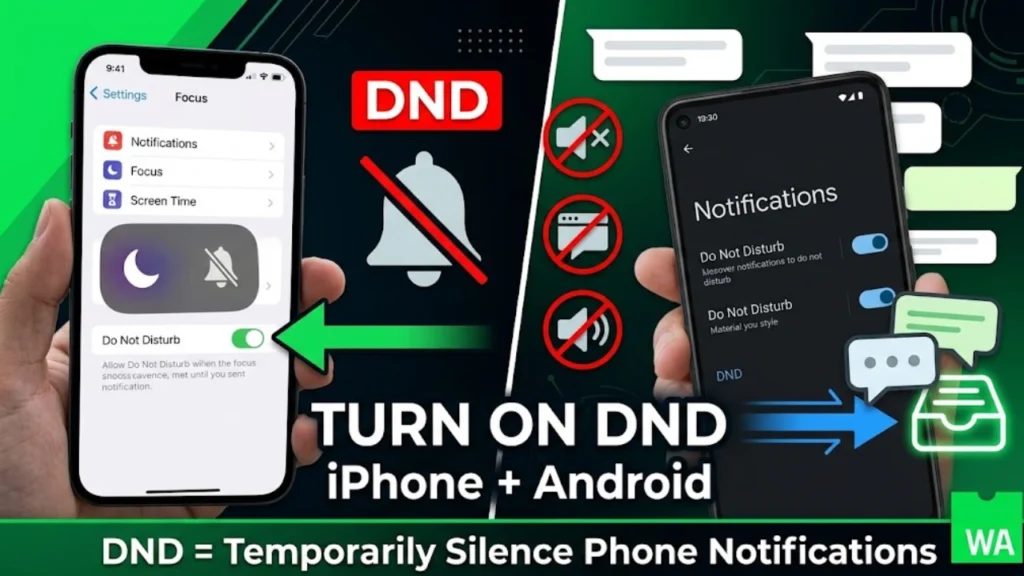
Go to Settings, tap Focus, then choose Do Not Disturb. You can set a timer, schedule it for certain hours, or turn it on manually from Control Center. WhatsApp isn’t singled out here — this setting mutes every app unless you add exceptions.
Turning On DND for WhatsApp on Android
Open Settings, tap Notifications, then Do Not Disturb. Toggle it on and pick a duration. Some Android phones tuck this under Sounds & Vibration instead.
WhatsApp’s Own Mute Feature
WhatsApp does offer something close to DND, but it works per chat, not phone-wide. Open a chat, tap the contact or group name, then tap Mute Notifications. You can mute for 8 hours, one week, or always. Unlike phone-level DND, this only silences that one conversation — everything else on your phone stays normal.
WhatsApp DND vs Mute vs Silent Mode
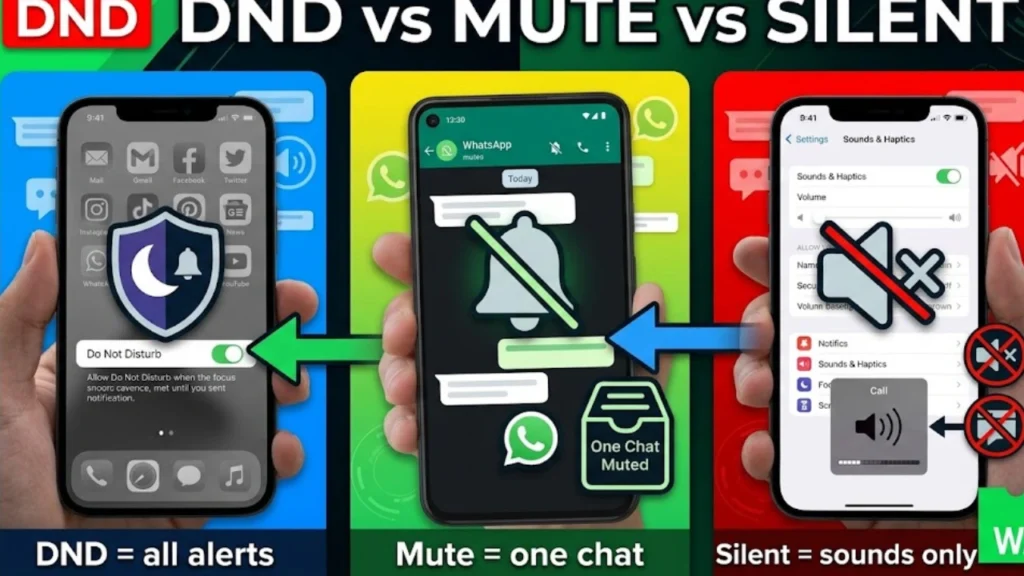
These three get mixed up constantly, so here’s a plain breakdown:
Feature
What it silences
Where it works
DND (Do Not Disturb)
All notifications, sounds, and banners
Entire phone, every app
Mute Notifications
One WhatsApp chat or group
Just inside WhatsApp
Silent Mode
Ringer and sound only
Entire phone, but banners can still show
The biggest difference: Silent Mode mutes sound but still lets visual alerts pop up. DND goes further and blocks the visual banner too. Mute is the narrowest — it only quiets one thread while everything else on your phone works as usual.
DND Meaning in Text Messages and Other Apps
The DND meaning in text messages is the same core idea across every platform: notifications are paused, but nothing is blocked or deleted.
SMS and iMessage: texts deliver normally; you just don’t get alerted until DND ends.
Instagram: no native DND, but users mute notifications or set “Quiet Mode” from settings.
Snapchat: notifications can be muted per friend, per group, or app-wide.
Discord: has its own Do Not Disturb status that mutes pings while keeping you marked online.
Across all of these, the pattern holds: DND silences the alert, not the message.
DND Numbers, WhatsApp Business and US Marketing Rules
For businesses texting US customers through WhatsApp Business, DND takes on a completely different, legal meaning tied to DND numbers and the National Do Not Call Registry.
Under the Telephone Consumer Protection Act (TCPA), sending unsolicited marketing texts to a number on the National Do Not Call Registry can trigger real penalties. Consumers can pursue $500 to $1,500 per unwanted text or call through private lawsuits, and the FTC’s maximum civil penalty for Telemarketing Sales Rule and Do Not Call violations sits at $53,088 per violation as of the 2025 inflation adjustment.
This applies whether the message goes out by SMS or through WhatsApp Business messaging — the channel doesn’t matter, the consent and registry status does. Businesses should:
Confirm explicit opt-in consent before sending any promotional WhatsApp message.
Screen contact lists against the National Do Not Call Registry at least every 31 days.
Remember that transactional messages — order updates, appointment reminders, OTPs — are generally exempt from DND restrictions, but marketing messages are not.
FAQ’s
What does “DND” mean in chat?
In chat, DND means “Do Not Disturb.” It tells others that notifications are silenced, so replies may be delayed. It doesn’t mean the person is ignoring anyone — it usually just means they’re busy, sleeping, or focused on something else.
What does DND mean in WhatsApp?
DND in WhatsApp means the phone’s Do Not Disturb setting is silencing WhatsApp notifications. WhatsApp has no built-in DND toggle of its own — the closest in-app option is Mute Notifications for individual chats or groups.
How to remove DND number?
To remove a number from the National Do Not Call Registry, visit donotcall.gov and follow the removal steps, or call 1-888-382-1222 from the phone number being removed. For phone-level DND mode, simply turn off the Do Not Disturb toggle in your phone’s Settings or Control Center.
What is DND in text messages?
DND in text messages means notifications for incoming texts are muted for a set time. The messages still deliver and sit in the inbox — the sender isn’t blocked, and nothing is lost. Only the alert is paused.
Conclusion
DND on WhatsApp boils down to one simple fact: it’s your phone’s Do Not Disturb setting quieting alerts, not a WhatsApp feature. Messages keep arriving, statuses keep updating, and once DND turns off, notifications pick up right where they left off. For businesses, though, DND carries legal weight tied to consent and the Do Not Call Registry — a distinction worth knowing before sending that next WhatsApp campaign.
Jack Waseem is the founder and lead editor of MeaningsLoop. He started the site out of a simple frustration: too many word-meaning searches online led to cluttered pages, thin definitions, and content clearly written for search engines rather than for people. Jack set out to build something closer to a well-kept paper dictionary — dependable, clearly written, and genuinely useful.